Skip to content

    Learn how to use Meta Muse AI to find work, get things done, build websites and run your business

    Muse at work researching, planning, and building with AI

    Your AI assistant can do more than write emails and answer questions.

    Learn how to use Meta Muse AI to research job opportunities, organize your inbox, handle repetitive tasks, build useful business assets, create marketing content, and manage projects. No coding or technical background required.

    Live on Nov 17, 20267 PM ETReplay included
    Works withFacebookInstagramWhatsAppMessengerMeta AdsHighLevelFunnelStreamsCanvaGoogle WorkspaceGmailGoogle CalendarGoogle Drive

    Registration

    Ready to put Muse to work?

    One live session on Nov 17, 2026 at 7 PM ET, plus the replay.

    Live access to the session
    Workshop replay
    Step-by-step demonstrations
    Muse welcoming students to the live AI workshop

    AI Content School

    Meta Muse AI Workshop

    Live Nov 17, 2026 · 7 PM ET · replay included

    $50 one-time registration

    Loading workshop checkout...

    Can’t make it live? You get the replay. Already an AI Content School member? Log in here.

    Sound familiar?

    You have AI. So why are you still doing everything yourself?

    Most people know how to ask AI for an answer. This training shows you how to assign the next steps, too.

    You can ask AI to write a resume,

    but you’re still spending hours searching for jobs.

    You can ask AI to draft an email,

    but you’re still sorting through a crowded inbox.

    You can ask AI to make a marketing plan,

    but you’re still checking your accounts, comparing results, and figuring out what to do next.

    You can ask AI to explain how to build a website,

    but you’re still managing the project one step at a time.

    You can ask AI to outline a landing page or funnel,

    but you’re still building every page and connecting every step yourself.

    You can ask AI to write a caption,

    but you’re still checking your Instagram and Facebook numbers and guessing what to post next.

    The opportunity with Muse is to move from getting answers to delegating actual tasks.

    Two ways to use Muse

    One assistant. Two jobs.

    Muse AI assistant

    Your AI Assistant

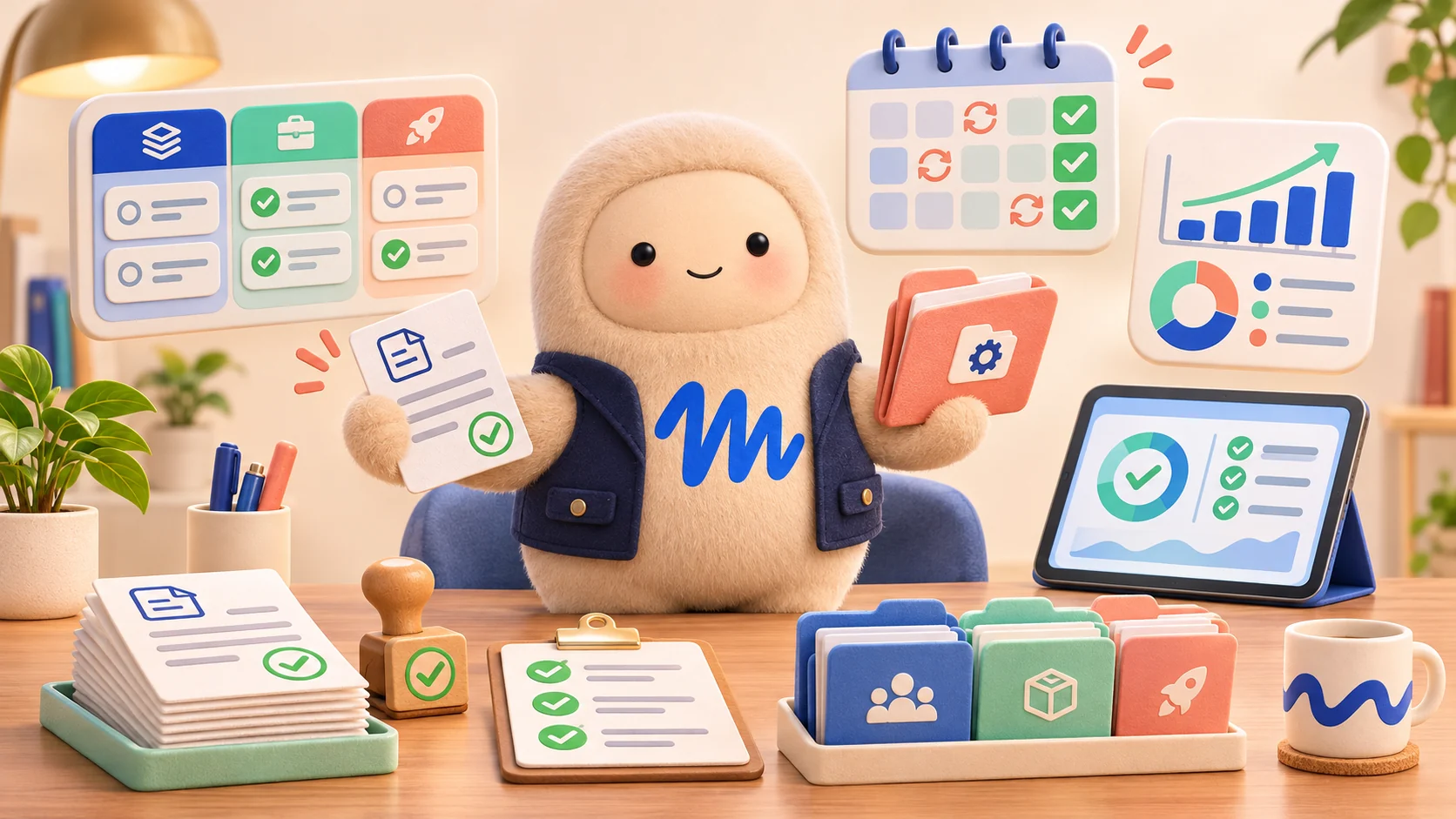
    Handle job research, inbox triage, reminders, meeting preparation, paperwork, and daily administrative work.

    Muse AI builder and operator

    Your AI Builder & Operator

    Prepare websites, funnels, marketing campaigns, dashboards, content assets, and ongoing business workflows.

    Workshop breakdown

    I’ll show you how to put Muse to work, live

    Part one

    Your AI assistant and opportunity finder

    Find opportunities and take repetitive tasks off your plate.

    • Traditional job searching, resume preparation, and interview practice
    • Using AI skills to offer business-operations services
    • Facebook Marketplace pricing research and listing preparation
    • Inbox management, calendar organization, and administrative tasks
    • Setting up a personal assistant and recurring routines

    Tuesday, November 17 · 7 PM ET

    Part two

    Your AI builder and business operator

    Build useful assets and manage business activities.

    • Websites, landing pages, and funnel-building workflows
    • HighLevel and other connected business applications
    • Business management dashboards and project Spaces
    • Instagram and Facebook performance analysis
    • Social media content creation and repurposing
    • Advanced Muse tips, strategies, and custom workflows

    Tuesday, November 17 · 7 PM ET

    Curriculum

    What you’ll actually learn to do

    Muse reviewing resumes and researching job opportunities

    Job search and income opportunities

    Have Muse research openings, tailor your resume to each one, prep you for the interview, and even price and write a Facebook Marketplace listing.

    Muse organizing email and everyday administrative tasks

    Inbox zero and everyday admin

    Let Muse sort your inbox, draft the replies, book the meetings, prep the notes, and remind you about the paperwork you keep putting off.

    Muse building website layouts and business funnels

    Websites and business building

    Watch Muse prepare landing pages and funnels, work inside HighLevel, and set up the custom workflows that keep your site running.

    Muse managing invoices, reports, and business operations

    Business operations

    Run your business from a project Space: invoices, reports, follow-ups, and the recurring tasks that used to live in your head.

    Muse creating social content and reviewing performance

    Social media and content creation

    Have Muse read your Instagram and Facebook numbers, explain what’s working, then write the scripts, captions, and content calendar to match.

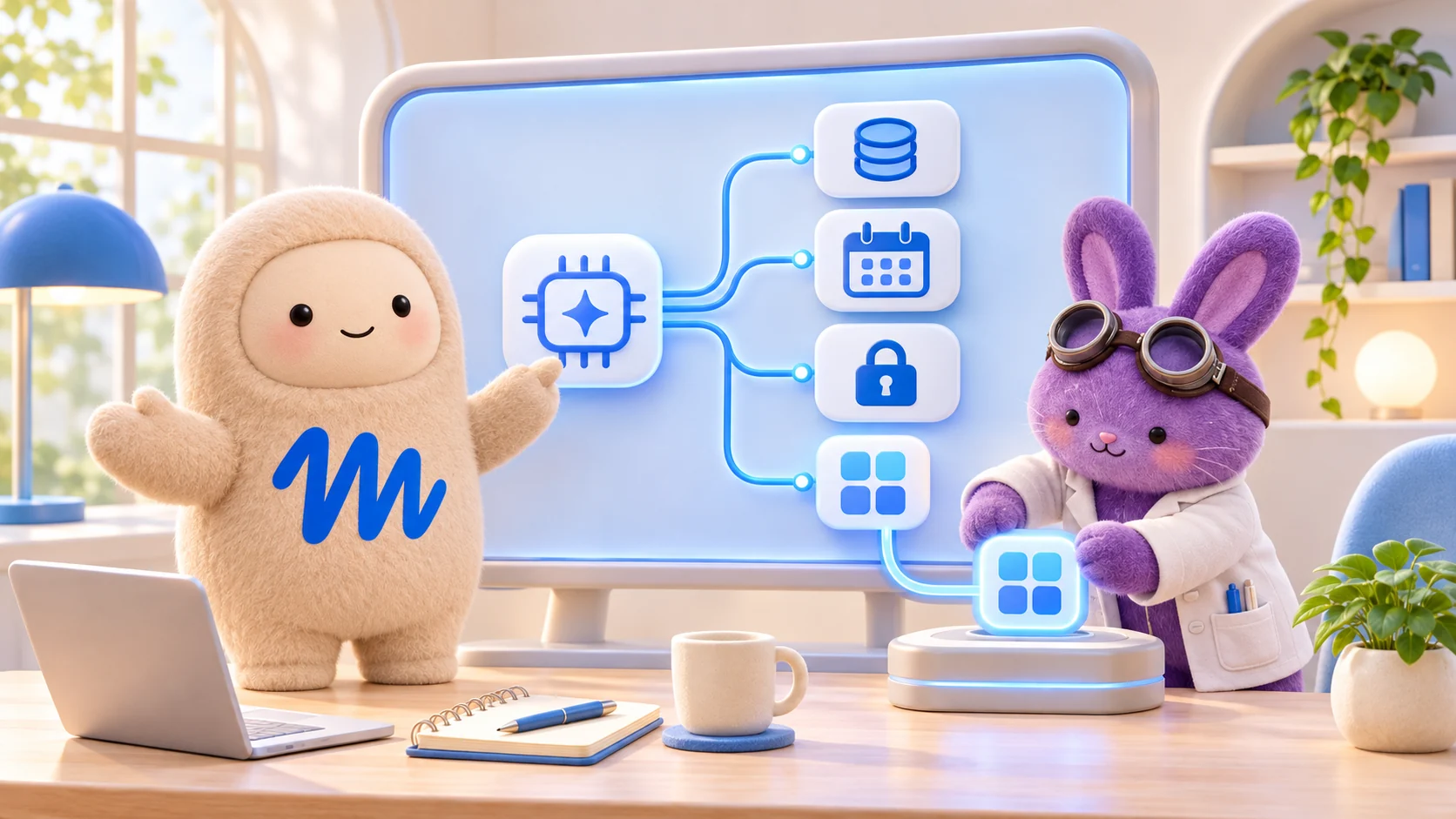
    Muse planning advanced workflows and automation strategies

    Advanced tips and strategies

    Memory, permissions, recurring tasks, custom connectors, and the prompt techniques that make Muse feel like a real assistant.

    The workshop distinguishes demonstrated capabilities from workflows that need testing. Fully autonomous HighLevel site builds, native social publishing, and Marketplace negotiations are not promised.

    Tools and platforms covered

    What we'll open on screen

    Meta logo
    Meta Muse AIDemonstrated live
    Facebook logoInstagram logo
    Facebook and InstagramDemonstrated live
    HighLevel logoFunnelStreams logo
    HighLevel / FunnelStreamsSeparate account
    Canva logo
    CanvaDiscussed
    Google logo
    Google WorkspaceSeparate account

    Some tools require their own account or subscription. Muse is demonstrated live; the rest is shown as it comes up.

    Mike Wayne, founder of FunnelStreams and AI educator

    Meet your instructor

    Learn from Mike Wayne

    I built FunnelStreams, and I teach people how to put AI and automation to work in their everyday lives and businesses. Not just what buttons to click, but how to get useful work done.

    I build websites, funnels, and business systems myself. In this workshop, I'll show you practical ways to use Muse for the tasks you already have on your plate.

    Choose your option

    Want This Workshop or Ongoing AI Training?

    Register for the workshop on its own, or join AI Content School for continued training.

    Single Workshop Pass

    One-time access to the Meta Muse AI Workshop, plus replays and resources.

    $50 one time

    • Live Meta Muse AI Workshop
    • Session replays
    • Prompt library and student workbook
    • Hands-on exercises and setup checklist
    Reserve My Seat
    ONGOING TRAINING

    AI Content School Membership

    $50 / month

    For creators and business owners who want continued help using AI beyond this event.

    • This workshop included
    • Ongoing live AI training
    • Prompt and AI assistant resources
    • Replays, Q&A, and community access
    Explore Membership

    Questions

    A few things you might be wondering.

    Availability note: some Muse business features are restricted to eligible US and Canadian accounts, and not every connector supports every action.

    Stop doing everything yourself. Learn how to put AI to work.

    Join us live on November 17, 2026 at 7 PM ET and learn how to use Meta Muse AI to find opportunities, manage everyday tasks, build business assets, and organize ongoing work.